
Zero experience01
You're starting from nothing.
Everyone did. Beginners have the most room to grow, and usually the most hunger.
A free, step-by-step course on turning your editing skill into a real freelance career. Find your market, build an offer, and land your first paying client.
12 video lessons · worksheets · scripts · free forever

Your guide
Ezekiel Gumapac
Video editor · Founder, Ez Space
Sound familiar?
The path
Step 1 · Free
How to sell video editing as a freelancer.
The free Blueprint
Every lesson is a video, a short read you swipe through, a worksheet that saves as you type, and one task. You can't skip ahead, and that's the point.
Phase 01 · Foundation
How the Blueprint works, how to move through it, and the one rule that separates the 1% from everyone who just bookmarks courses.
Know the 4 phases and 12 stepsSet up your daily rhythm before lesson 2Understand the one rule: finish the task before you click next
Phase 02 · The Offer
Phase 03 · Craft & Brand
Phase 04 · Clients
Why I made this free
I borrowed money to join my first course. I juggled school, a job and freelance work, thinking hard work alone would pay off. It didn't, until I had the right plan and structure. This is that plan.
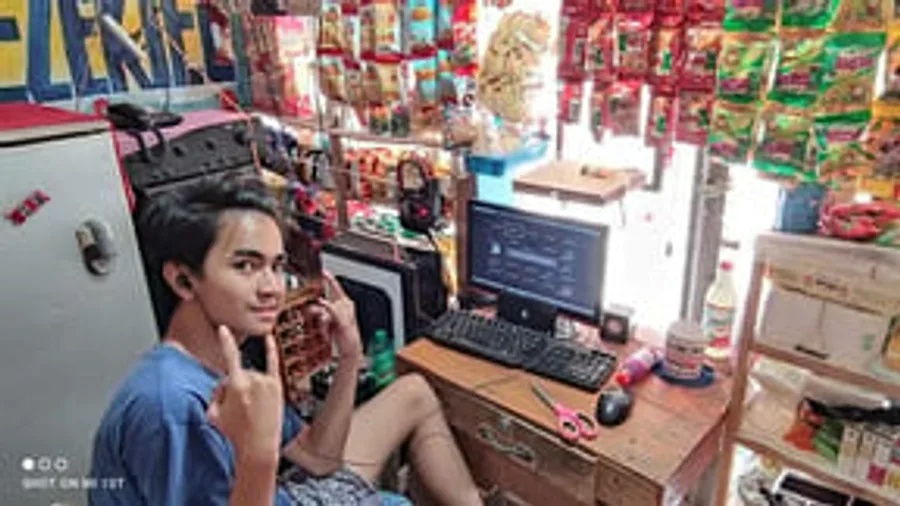 01
01A student working a store job
Studying by day, helping at an internet café, using my socials until I found freelancing.
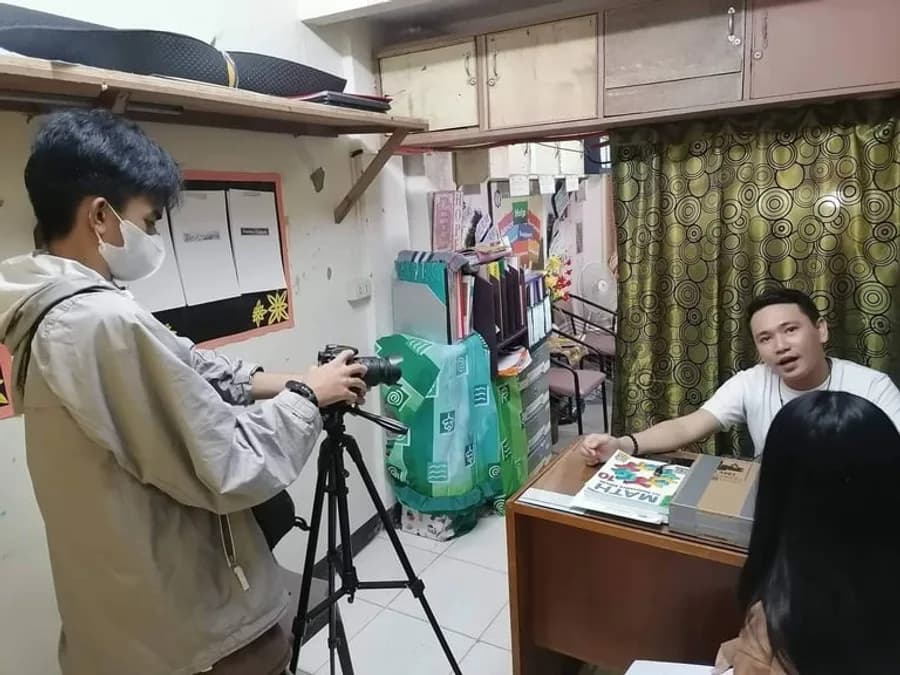 02
02My first photography business
It started small. Then it grew into something real.
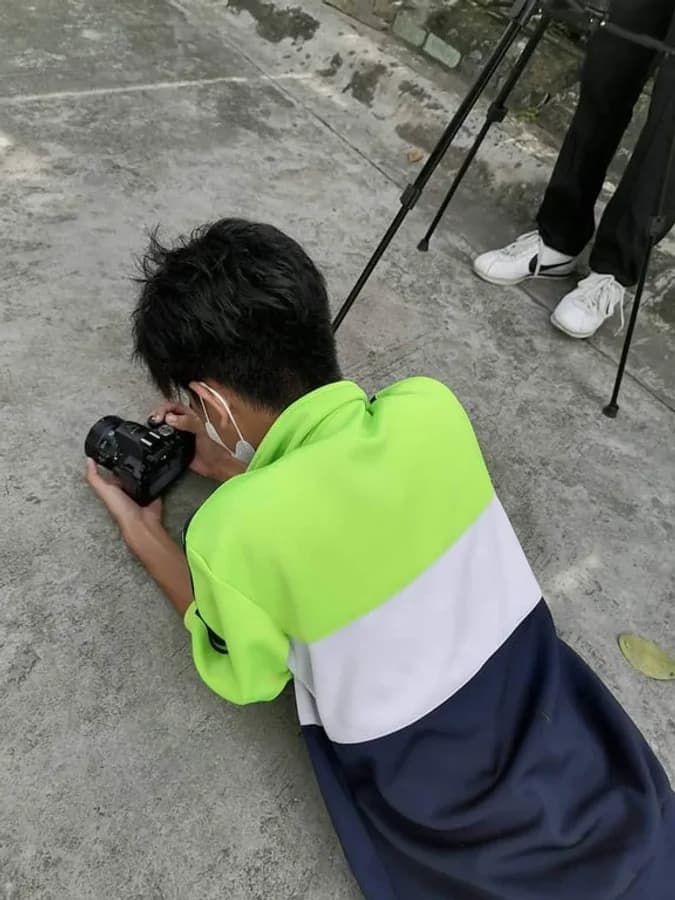 03
03Building a portfolio
Every shoot and every edit became a portfolio piece.
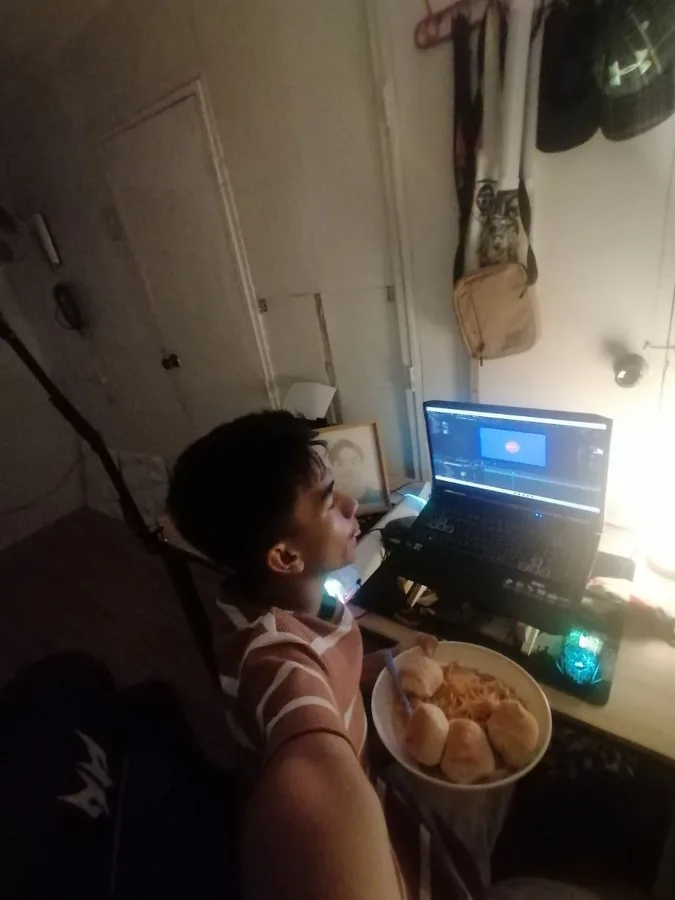 04
04An editor by night
Clients during the night, school during the day.
 05
05More clients
I kept learning, upgraded my profile, and more clients hired me.
 06
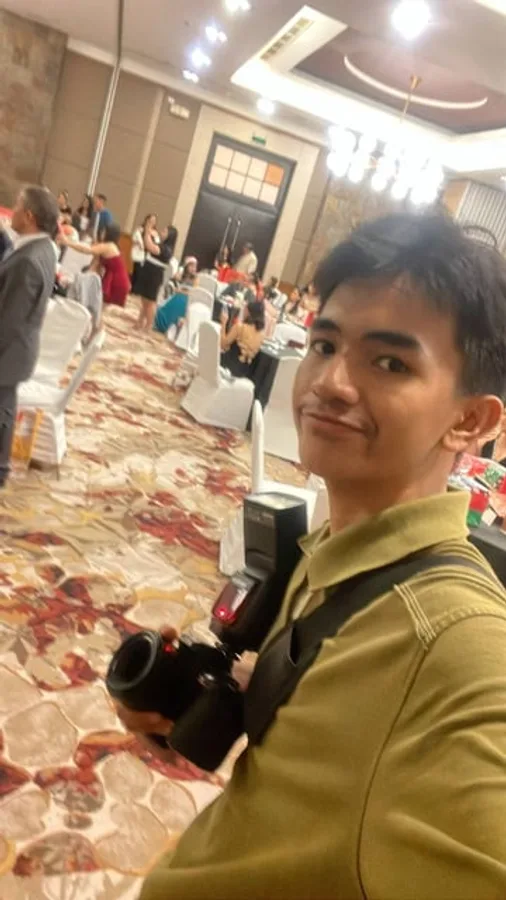
06Invited to share
Joined communities of freelancers and got invited to teach editing.
 07
07Helping my family
Supporting the people I love. And now, ready to help you start.
Launching soon
Video Editing Pro and AI Creator Lab are almost ready. Join the free Blueprint and you'll hear first when they open.
Video Editing Pro
The editing styles clients are paying for right now, from CapCut basics to ads that sell.
Coming soon
Join free and you'll be the first to know.
AI Creator Lab
Generate images, videos, UGC, animation and voice with AI, and sell it as a service.
Coming soon
Join free and you'll be the first to know.
You won't learn alone
Every week there's a new editing challenge. You submit your edit, and I record a voice note with feedback, one by one. It's the closest thing to sitting next to me while you edit.
This week · 2026-W40
The 3-second hook
Take any talking-head clip under 60 seconds. Re-edit only the first 3 seconds so someone scrolling would stop. Captions on. Post it and submit the link.
Example: voice feedback from Ez on a submitted edit
Invite 3 friends, get a launch discount on Video Editing Pro.
Everyone who joins gets a personal invite link. Finishing is easier with a buddy.
Yes. All 12 lessons, worksheets and the Vault are free. You only need an email so you can log back in.
The free Blueprint teaches the freelancing side: market, offer, brand, outreach, calls and proposals. Video Editing Pro teaches the editing itself. AI Creator Lab teaches making content with AI tools.
GCash, Maya or bank transfer. Pay, upload your receipt on the checkout page, and your access opens as soon as it's confirmed, usually within a few hours.
You get the lower price now and access to every lesson as it releases. The price goes up when the timer ends.
Paid students get weekly editing challenges with voice-note feedback from me. If you want a direct plan, you can book a 1:1 consultation.
Yes. Start with the free Blueprint, then Video Editing Pro starts from zero with CapCut and Premiere crash courses.
Yes. Lessons are short and self-paced. One lesson a day gets you through the Blueprint in under two weeks.
Please don't. Share your invite link instead: your friends get it free, and you get a launch discount.